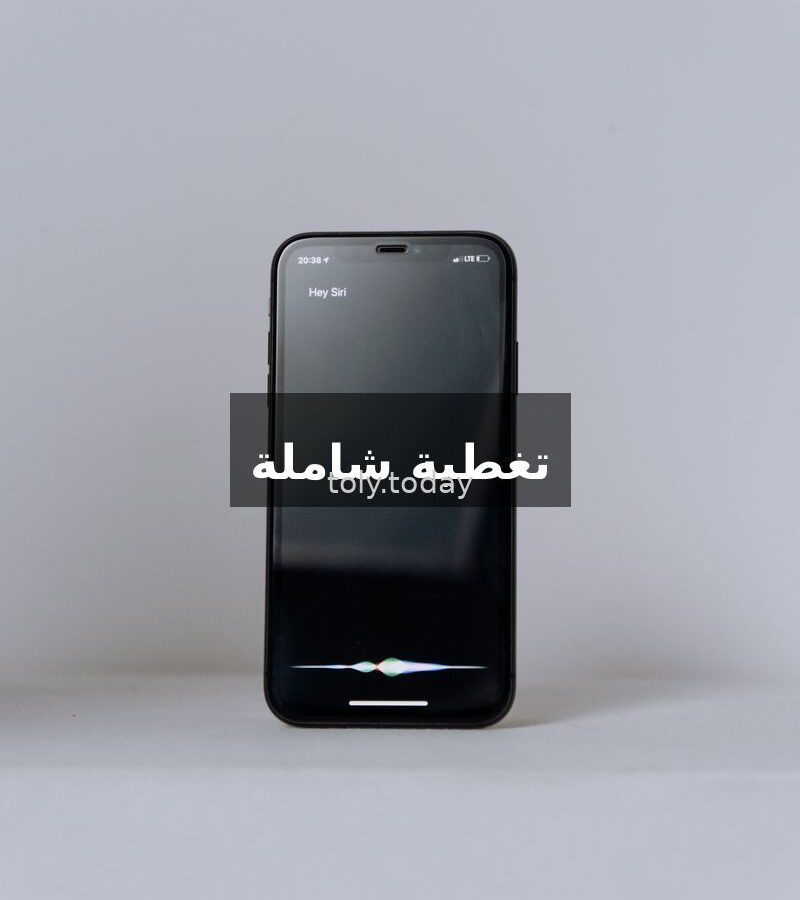
Apple has finally released the public beta version of iOS 27, and the biggest surprise is Siri AI — a smart assistant entirely different from anything we’ve seen before. This update isn’t just minor improvements; it’s a quantum leap in how you interact with your phone. Instead of opening apps one by one, you can now ask Siri to search, analyze, and respond directly. In this article, we break down everything about this new update in simple terms.
What is the new Siri AI?
Before iOS 27, Siri was a basic assistant — setting timers, sending messages, opening apps. Now, Siri AI is truly intelligent. It understands context, searches the web, analyzes emails, and adds events to your calendar without you touching the screen.
For example: You can ask, “What time is it in Riyadh?” and get an instant answer. But now you can ask, “What’s the lineup for today’s concert?” and Siri AI will open the event page, read the content, and give you the exact answer. Things like this were difficult or impossible before.

What’s the difference between iOS 27 and previous versions?
iOS 27 is a “Snow Leopard” update — meaning it focuses on performance boosts and bug fixes rather than flashy new features. The App Store is faster, Photos search is quicker, AirDrop has improved, and iMessage and RCS are now fully encrypted. But the standout feature? Siri AI.
Apple has overhauled the entire AI system. From Siri’s new animated icon to onscreen awareness and deep app integration, everything you do by touch can now be done by voice — faster and cleaner.

How does Siri AI benefit users in Saudi Arabia?
Saudi users will benefit from Siri AI in several ways:
- Time management: Ask Siri to add appointments to your calendar from emails or WhatsApp — for example, “Add my job interview from email to calendar.”
- Quick search: Instead of typing into Google, ask Siri questions like “What’s the best restaurant in Najran?” or “What’s the price of gold today?”
- Daily assistance: Instant translation, smart home commands, bill reminders — all done by voice.
- Local service integration: Saudi apps like banking or government services can leverage Siri AI if developers configure it.
What are the main features of Siri AI?
Onscreen Awareness: It can see what’s on your screen and act accordingly — open a URL from a page, add a link to the calendar
How to Try Siri AI Now?
The public beta version was released on July 13, 2026. You can try it on your main device (with caution), but it’s best to install it on a secondary device or wait for the official release. The method:
- Go to Settings > General > Software Update
- Enable Beta Updates and select iOS 27 Public Beta
- Download the update (approximately 3-5 GB)
- After installation, go to Settings > Apple Intelligence & Siri and enable Siri AI Beta
Note: Some features require an iPhone 15 Pro or later. Older devices will receive basic improvements, but some heavy AI features require an A17 Pro or M-series chip.
Frequently Asked Questions
Who Needs the New Siri AI?
Anyone with an iPhone who uses it daily — students, employees, family members. Anyone who needs to complete tasks quickly and easily will benefit from Siri AI, especially in time management and quick search.
Where Can Siri AI be Experienced?
On all Apple devices: iPhone, iPad, and Mac (macOS 27 Golden Gate). Activation is done through settings, and features work everywhere — at home, in the office, or in the car.
What is the Cost of iOS 27 and Siri AI?
Completely free. iOS 27 is a free update for all supported iPhones. However, some older devices may not support all AI features — an iPhone 15 Pro or higher is required for full features.
How Long Does the Installation Process Take?
Installing the public beta: 15-30 minutes (depending on internet speed). Official release: less time. New Siri AI updates will be released periodically with iOS updates.
How Do I Use Siri AI for the First Time?
After updating to iOS 27, go to Settings > Apple Intelligence & Siri, enable Siri AI Beta, then press the side button or say “Hey Siri” and start asking your questions. It’s best to start with simple questions: “What’s the latest tech news?” or “Remind me to pay the bill tomorrow.”
In Summary: iOS 27 with Siri AI is not just a regular update — it’s a fundamental change in how you use your iPhone. Apple has finally caught up with the AI trend.