Revolution in Visual Search: A Completely New Interface for Google Images
After a quarter of a century of launching the image search service, Google announced the largest update in the history of Google Images. The new interface transforms the page from just a search bar and sorting results, to an interactive smart space similar to platforms like Pinterest, with continuous scrolling and suggested images that appear before you type any word.
The update came coinciding with the 25th anniversary of the launch of the service, and reflects Google’s shift towards immersive visual experiences instead of traditional search pages. (Source: Technical Portal)
What’s New in Google Images?
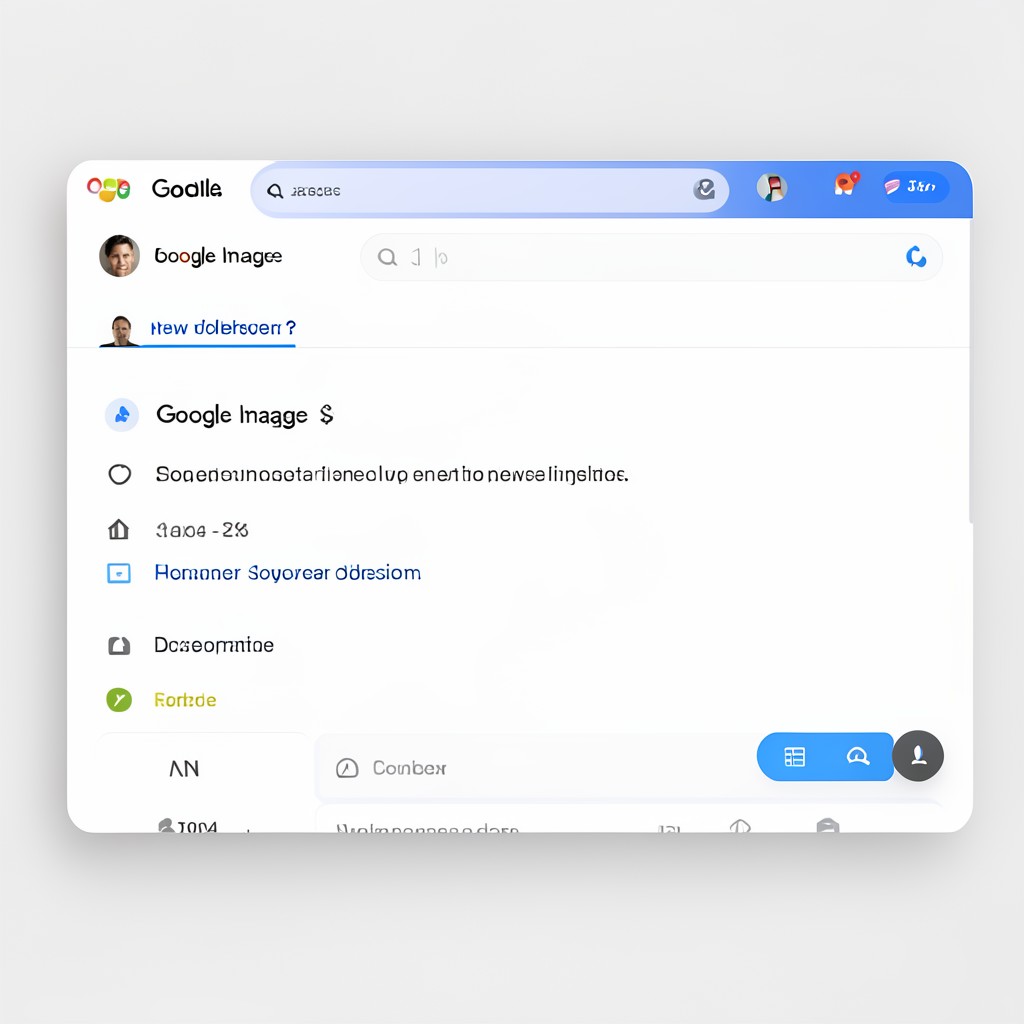
The new interface answers the question: “Why search for images when images can come to you?”. The most prominent features:
- Dynamic Gallery: Displays web images updated in real-time according to interests
- Smart Personalization: Artificial intelligence suggests images based on your search history and interests
- Endless Scrolling: Browse thousands of images with a smooth experience without page breaks
- Collections: Save images in collections to refer to them later in tabs at the top of the page
- AI-Generated Images: Within AI Overviews using the Nano Banana 2 Lite model
How Does it Apply in Saudi Arabia?

Saudis are among the most active users of search engines globally. With the announcement of 2026 as the year of artificial intelligence in the Kingdom, these features benefit:
- Designers and Photographers: Searching for visual inspiration faster than ever
- Businessmen: Searching for professional visual products and offers
- Students: Preparing presentations and research with ready-made images and smart suggestions
- Those Interested in Decor and Fashion: Visual comparison is easier with AI-generated images
Google confirmed that the new interface will be rolled out gradually, first to computer users in the US in English, and then to the rest of the countries – including Saudi Arabia – over the coming weeks.
Important Points
- The interface will be available to computer users first (mobile later)
- The image generation feature in AI Overviews is still limited and requires adjustment to prevent misleading information
- Suggested images use browsing history – you can control privacy from Google settings
- Collections are similar to Bookmarks but for images only
- Artificial intelligence learns from your interaction with images to improve suggestions
Frequently Asked Questions ❓
Who Needs These Features?
Anyone who uses Google to search for images daily – designers, students, marketers, or the average user.
Where is the New Interface Available?
It started in the US for computer users in English. It will expand to Saudi Arabia and the Arab world over the coming weeks.
What is the Cost of Using it?
Completely free, like regular Google search. Even AI-generated images are free.
How Long Will it Take to Reach Saudi Arabia?
Google did not specify an exact date, but international expansion usually takes 6-8 weeks from launch.
How Do I Use the Image Generation Feature?
After the update reaches your account, type “Help me imagine” or “Create a visual” with a description of the image, and the artificial intelligence will generate it in the search results.