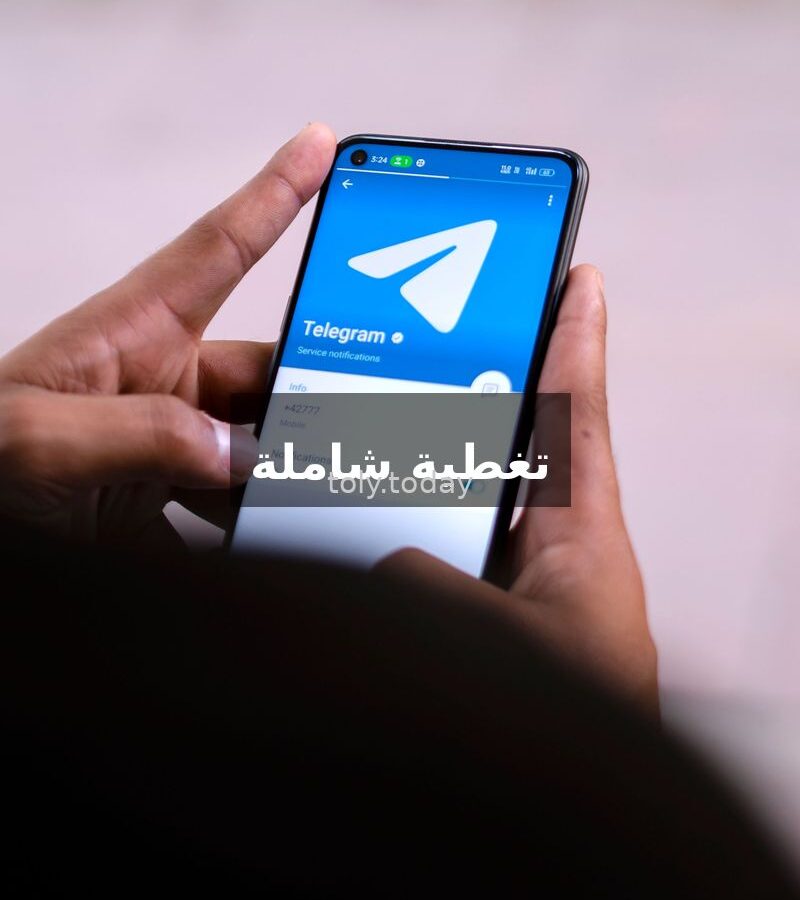
Telegram App: The Comprehensive Guide for Beginners and Professionals
In a world filled with messaging apps, Telegram stands out as one of the most powerful, fastest, and secure applications. Founded in 2013 by brothers Nikolai and Pavel Durov, it has since become an indispensable platform for millions worldwide, with a large user base in Saudi Arabia and the Arab world.
What sets Telegram apart from others? Simply put: speed, security, and flexibility. The app is cloud-based, meaning you can start a conversation on your phone and continue it on your computer from the exact same point without any interruption.
Key Features of the Telegram App
1. Channels
Channels are Telegram’s most popular feature. They allow you to publish content (text, images, videos) to an unlimited number of subscribers. Channels are ideal for journalists, publishers, businesses, and even individuals who want to share their knowledge. You can create a public channel (anyone can subscribe) or a private one (invitation only). An additional benefit: subscribers cannot see each other, and content reaches you without any disturbance.
2. Groups
Telegram groups support up to 200,000 members! This is a massive number compared to other apps. Groups come with powerful tools: multiple administrators with various permissions, pinned messages, polls, automatic replies, and the ability to interact with comments in linked channels.
3. Bots
Bots are Telegram’s secret weapon. They are small programs that operate within the app: they can translate for you, download files, remind you of appointments, play music, and even control smart home devices. There are bots for financial transfers, news, and education. The possibilities for creativity are limitless.
4. Security and Privacy
Telegram places great emphasis on privacy. It offers Secret Chats that use end-to-end encryption. There is also self-destruct functionality — you can set a timer for a message to be deleted after it is read. The app encrypts everything and prevents screenshots in secret chats. However, note that regular chats are encrypted server-client, not end-to-end, which allows you to access your chats from any device.
5. Sending Large Files
Telegram allows you to send files up to 2 gigabytes in size! High-quality videos, large PDF files, software, and everything else. This makes it the best app for heavy content.
6. Free Cloud Storage
All your messages, photos, and files are stored in Telegram’s cloud. You can access them from any device, at any time, without needing manual backups.
7. Emojis and Stickers
A vast library of animated and static stickers, along with the ability to create your own. In 2026, searching for millions of emojis and stickers has become effortless.
8. Available on All Devices
Mobile apps (Android and iPhone), desktop software (Windows, Mac, Linux), and a web version. Synchronization between them is instantaneous.
How to Get Started with Telegram?
- Download the app from the app store or the official website telegram.org
- Register with your mobile number — you will receive an activation code via message or call
- Add a name and profile picture (optional)
- Search for your friends or join channels and groups that interest you
- Try out bots: search for @BotFather to create your own bot
Frequently Asked Questions About Telegram
Q: Is Telegram free?
A: Yes, Telegram is completely free and contains no ads. The company plans to introduce optional paid features in the future, but the core services will remain free forever.
Q: Is Telegram better than WhatsApp?
A: Each app has its strengths. Telegram is superior in channels, bots, large files, and cloud synchronization. WhatsApp is better in terms of enفير الكامل (للمحادثات اليومية). يعتمد على احتياجك.
\n\n
س: الفرق بين القناة والمجموعة؟
\nج: القناة للمحتوى الاتجاهي (ناشر → مشتركين)، محد يتفاعل إلا بالإعجابات واستطلاعات الرأي. المجموعة للتفاعل المتبادل، كل الأعضاء يقدرون يكتبون.
\n\n
س: كيف أحمي حسابي في تيليجرام؟
\nج: فعّل التحقق بخطوتين (Two-Step Verification) من الإعدادات > الخصوصية والأمان. أضف كلمة مرور ثانية وكود استرداد. كمان حدد من يقدر يشوف رقمك و”آخر ظهور”.
\n\n
س: هل البوتات آمنة؟
\nج: البوتات ما تقدر تشوف رسائلك الخاصة (إلا إذا أرسلت لها شي عشان تتعامل معه). أفضل بوتات تأخذها من مصادر موثوقة وما ترسل معلومات حساسة للبوتات العشوائية.
\n\n
س: كيف أحذف حسابي؟
\nج: من الإعدادات > الخصوصية والأمان > حذف حسابي. أو زر صفحة الحذف من المتصفح. تقدر كمان تضبط حسابك عشان ينحذف تلقائياً إذا ما دخلت لمدة (شهر إلى سنة).
\n\n
\n
📝 هذا المقال جزء من سلسلة “شروحات تطبيقات التواصل الاجتماعي” على toly.today — هدفنا تبسيط التقنية للجميع.
\n