National Address 2026 — Registering and Updating the National Address in Saudi Arabia
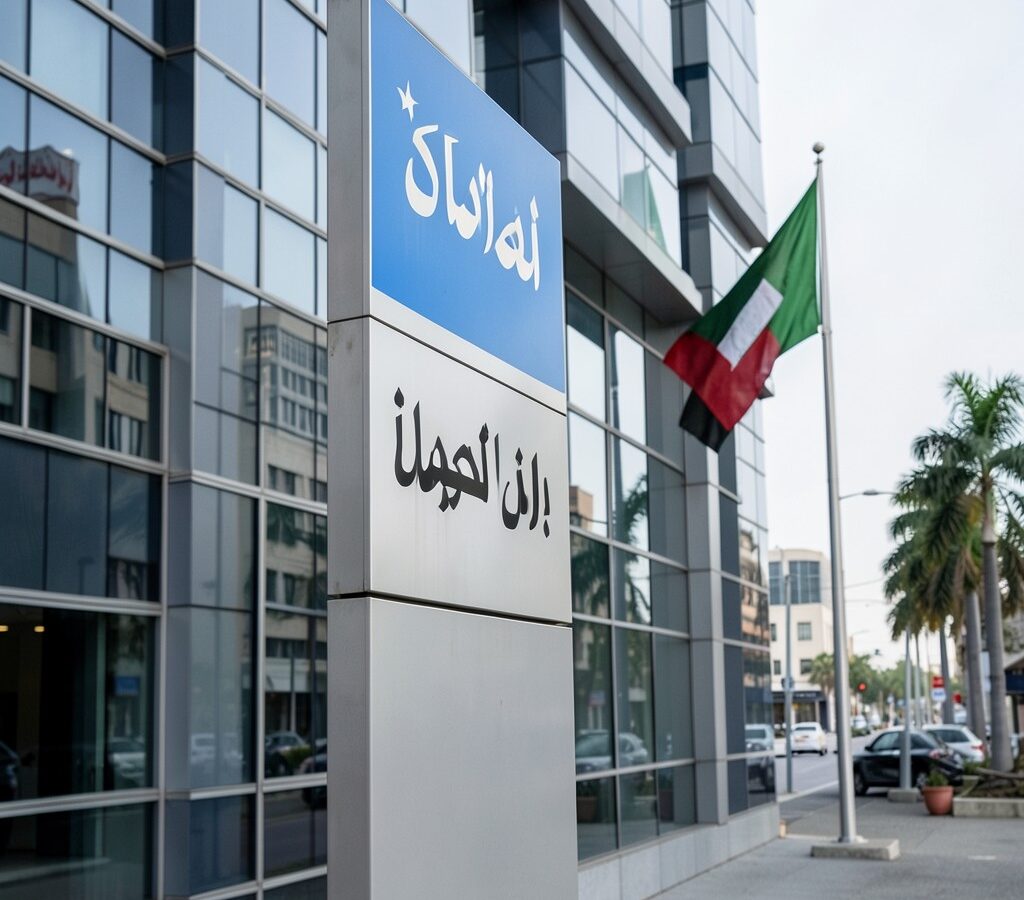
National Address is one of the important digital services provided by the Saudi Post Corporation “SPL”, aimed at unifying and organizing the addresses of citizens and residents across the Kingdom of Saudi Arabia. The National Address has become an essential part of daily life, as it is required in many government and commercial transactions such as opening bank accounts, applying for jobs, and delivering orders. In this guide, we review how to register and update the National Address in 2026.
Requirements for Registering in the National Address
To register the National Address, the following requirements must be met:
- Valid national ID: For Saudi citizens.
- Valid residency: For residents in the Kingdom.
- Absher account: To verify identity electronically.
- Mobile number: Registered under the user’s name with Saudi telecom companies.
- Email address: To receive registration confirmation and notifications.
- Location specification: Precise coordinates of the location via the electronic map.
Steps to Register in the National Address
Here are the detailed steps to register the National Address:
- Go to the National Address website (address.saudi.gov.sa) or the SPL app.
- Choose to log in using the National Unified Access (Absher).
- Enter the ID or residency number and password.
- Receive and enter the verification code via mobile.
- Go to the “National Address Management” page.
- Select “Add New Address”.
- Specify the location on the map with high precision (drag the marker to your location).
- Enter address details (region, city, neighborhood, street, building number, postal code).
- Add the unit number (apartment, office, etc.) if applicable.
- Review the data and click “Save”.
- Confirm the address via email or text message.
How to Update the National Address
If you move to a new residence or your address details change, you can easily update the National Address:
- Log in to the National Address website.
- Select “Registered Addresses”.
- Choose the address you want to update.
- Click “Edit”.
- Modify the required data and specify the new location on the map.
- Save the changes and confirm the update.
Printing the National Address
You can print the National Address by following these steps:
- Go to the National Address website and log in.
- Select “Registered Addresses”.
- Click the print icon next to the address you want to print.
- The address will be displayed in a printable PDF format.
- Print the document and keep it for submission when needed.
Importance of the National Address in Transactions
- Banking services: Opening bank accounts requires a registered National Address.
- Employment: Many government and private entities require the National Address.
Frequently Asked Questions About the National Address
What is the national address?
The national address is a unified address system provided by the Saudi Post Corporation “SPL,” which relies on highly accurate location identification to facilitate access to homes and establishments across the Kingdom.
Is registering for the national address mandatory?
Yes, registering for the national address has become mandatory for many government and commercial transactions, such as opening bank accounts and applying for jobs.
How do I get my postal code?
You can obtain your postal code through the National Address website after logging in, where the postal code associated with your registered address will be displayed.
Can I register more than one national address?
Yes, you can register multiple national addresses (such as a residential address, work address, or additional address) and manage each one easily.
Is the national address free?
Yes, the service of registering and updating the national address is completely free for citizens and residents.
What if I move to a new residence?
You must update your national address within 30 days of moving to the new residence to avoid any delays in transactions and correspondence.
Conclusion
The national address has become an integral part of daily life in the Kingdom of Saudi Arabia, greatly facilitating access to services and transactions. With the continued development of the national address system in 2026, it has become more accurate and comprehensive. We advise everyone to register their national address and update it regularly to benefit from all government and commercial services smoothly.