Madrasati Platform 2026 — A Comprehensive Guide to Registration and Services
Madrasati Platform is one of the leading digital educational platforms launched by the Ministry of Education in the Kingdom of Saudi Arabia, aiming to enable students to continue their educational journey online easily and securely. The platform provides all the tools needed for remote learning, from virtual lessons, assignments, and exams to interactive educational content and direct communication with teachers. In this comprehensive guide, we review everything you need to know about Madrasati Platform 2026: registration method, available services, requirements, and answers to the most frequently asked questions.
For more information, you can visit the official website: madrasati.sa or the Ministry of Education site moe.gov.sa.
Requirements and Prerequisites
- The student must be enrolled in a public or private school affiliated with the Saudi Ministry of Education.
- An active guardian account in the Noor system is required to complete the login process to Madrasati Platform.
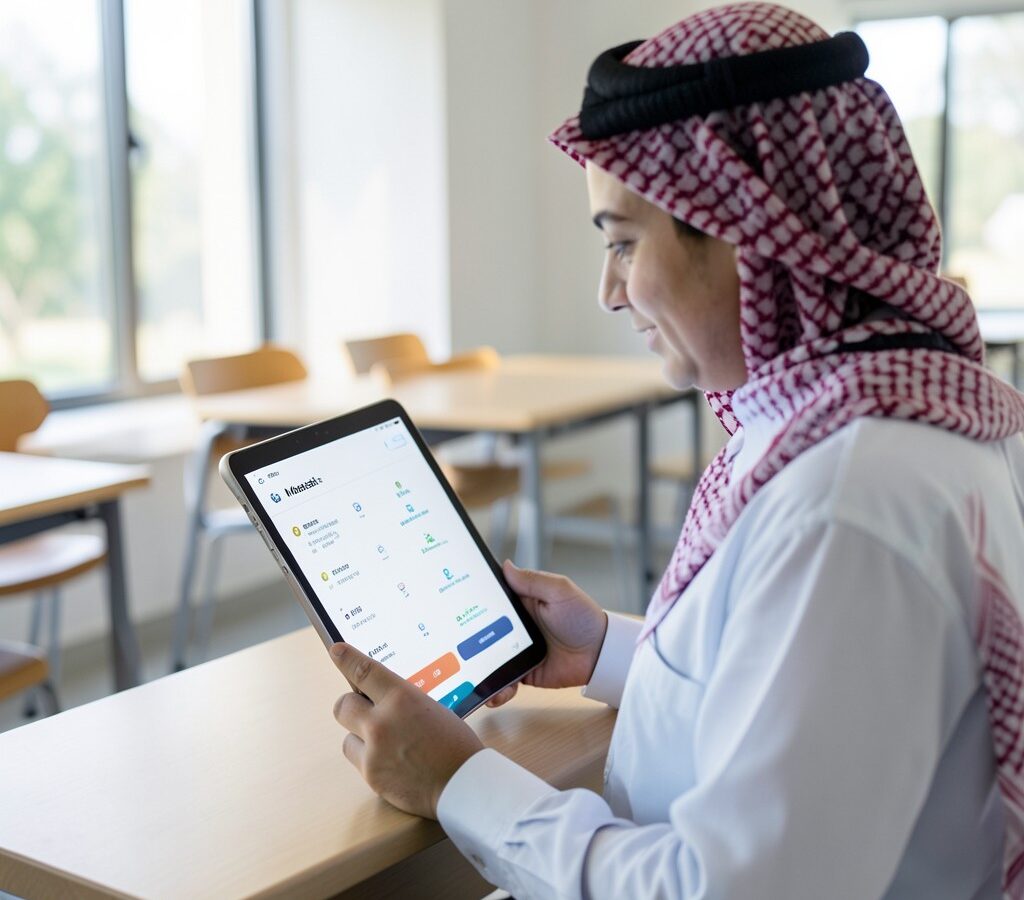
- An electronic device (computer, tablet, or smartphone) with internet connectivity.
- Installation of supported browsers such as Google Chrome or Microsoft Edge for optimal performance.
- It is recommended to use the Madrasati app available on the App Store and Google Play for smart devices.
- There are no subscription fees — the platform is completely free for all students registered in the Saudi education system.
Application Steps
- Log in to the Noor system first via the link noor.moe.gov.sa using the guardian’s account.
- Verify the student’s data and link it to the guardian’s account in Noor.
- Access Madrasati Platform via the link madrasati.sa or through the Madrasati app.
- Select the login method using the student’s “Microsoft account” (provided by the school).
- After logging in, the main dashboard appears, showing the timetable, registered lessons, and assignments.
- Virtual classes can be attended through the integrated Microsoft Teams platform.
- To access additional educational content, go to the “Digital Library” and “Educational Channels” sections.
- If the password is forgotten, it can be reset via the school email or through the Noor system.
Frequently Asked Questions
Q: How can I log in to Madrasati Platform without a Microsoft account?
A: A Microsoft account is mandatory to access Madrasati Platform. It is provided by the school to the student at the beginning of the academic year. If the account is missing, you must contact the school administration to obtain it.
Q: Are there mobile apps for Madrasati Platform?
A: Yes, official Madrasati apps are available on the Apple App Store for iPhone devices and on Google Play for Android devices, making it easy to access lessons and assignments from anywhere.
Q: What should I do if I encounter a technical problem during a virtual class?
A: You can contact the technical support team directly through the platform’s help button, or call the school for assistance. You can also visit the FAQ section on the platform’s website.
Q: Can parents monitor their children’s performance through Madrasati Platform?
A: Yes, parents can monitor their children’s performance via the guardian account in the Noor system, where weekly reports, grades, and evaluations are displayed.
Conclusion
Madrasati Platform represents a qualitative leap in the digital education journey in the Kingdom of Saudi Arabia, providing an integrated learning environment that serves millions of students. Whether you are a student looking for lessons or a parent tracking your children’s progress, the platform offers everything you need in an easy and secure manner. We always recommend staying updated with the latest changes via the official site madrasati.sa and the Ministry of Education moe.gov.sa.
toly.today — Your comprehensive guide 🎯